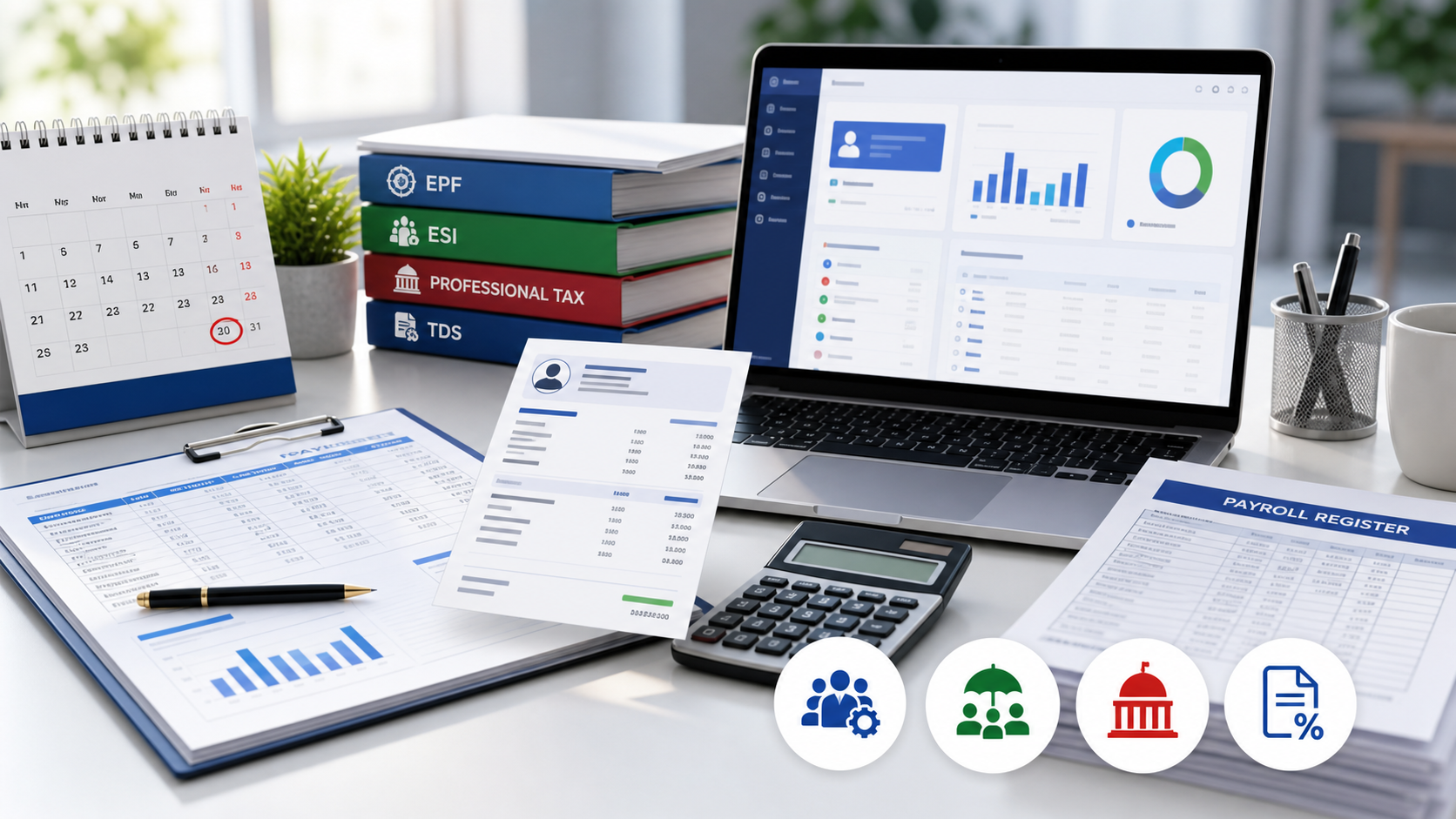
Why Growing Businesses Move Beyond Excel Payroll
Microsoft Excel is often the first payroll tool used by a growing business. It is familiar, flexible and easy to start with. However, as employee strength, branches, shifts, salary structures and compliance requirements increase, spreadsheet-based payroll becomes difficult to control.
Multiple Excel files may be used for employee details, attendance, leave, overtime, salary calculation, statutory deductions and bank transfer. Information is copied from one file to another, formulas are modified manually and approvals are often collected through email or WhatsApp.
An integrated Human Resource Management System can bring these activities into one controlled workflow. Attendance, leave, payroll, approvals, statutory deductions, payslips and employee self-service can work from the same verified employee database.
Signs Your Company Has Outgrown Excel Payroll
Slow salary processingSalary processing takes several hours or more than one working day.
Manual attendance importAttendance must be copied manually from biometric software.
Separate leave workbookLeave balances are maintained in a separate workbook.
Informal approvalsManagers approve leave, overtime or permission through WhatsApp.
Version conflictsDifferent branches maintain different versions of the same Excel file.
Repeated HR requestsEmployees repeatedly contact HR for payslips or attendance details.
Single-person dependencyPayroll formulas are understood by only one person.
Manual compliance workPF, ESI, Professional Tax or TDS reports require repeated manual work.
No reliable audit trailChanges made before salary processing cannot be traced reliably.
What Should Be Configured Before Payroll Goes Live?
Organisation Structure
Create the company, branches, departments, designations, cost centres and reporting structure. A clear organisation structure is required for approvals, reporting and payroll grouping.
Attendance Rules
Configure shifts, grace periods, late-coming, early-going, overtime, weekly offs, public holidays and attendance cycles. A 26th-to-25th cycle must also be reflected in payroll.
Leave Policies
Define Casual, Sick, Earned, Maternity and organisation-specific leave types. Verify opening balances and approval workflows before employees use self-service.
Salary Components
Configure Basic Salary, HRA, Special Allowance, Conveyance, Bonus, PF, ESI, Professional Tax, TDS, loans and advance recovery.
Statutory Settings
Verify PF, EPS, ESI, PT and TDS applicability employee by employee before the parallel run. State-specific Professional Tax rules and multi-state employee allocation must also be checked.
Go-Live Checklist
- Employee master reviewed and approved
- Salary components and formulas verified
- Attendance rules match company policy
- Leave balances and holidays are correct
- PF, ESI, PT and TDS validated
- One parallel payroll completed
- Excel and HRMS differences documented
- HR and payroll users trained
- Managers understand approvals
- Employees received ESS instructions
- Payslip and bank formats tested
- Backup and payroll-lock procedure established
Benefits After Migrating to HRMS Software
Faster Payroll Processing
Attendance, approved leave, overtime, loans and salary components flow into payroll without repeated entry.
Improved Accuracy
Standardised rules reduce formula errors, accidental deletion and inconsistent branch calculations.
Better Compliance Control
Configured PF, ESI, Professional Tax and TDS rules create a controlled statutory process.
Employee Self-Service
Employees can view attendance, download payslips, apply for leave and track approvals.
Structured Approvals
Leave, permission, On Duty, overtime and claims follow defined approval levels.
Centralised Reporting
HR and management review attendance, payroll, statutory and employee reports from one database.
Frequently Asked Questions
How long does payroll migration take?
Many small and medium-sized businesses can complete migration within two to four weeks. The duration depends on data quality, salary complexity, number of branches and approvals.
Can old salary history be imported?
Yes. Employee master data, salary history, attendance records, leave balances, loans, advances and opening balances can be imported after validation.
Can HRMS software connect with biometric devices?
Yes. LotusHRM supports BOXTEL SYSTEMS devices and selected third-party systems such as ZKTeco, eSSL and BIOMAX.
Can employees access payslips on mobile?
Yes. Employees can use Employee Self-Service to view attendance, download payslips, apply for leave and track approvals.
Is HRMS suitable for multiple branches?
Yes. Multi-company, multi-branch and multi-state payroll requirements can be configured in LotusHRM.
Should Excel payroll stop immediately?
No. Complete at least one parallel payroll, compare employee-level values and obtain approval before discontinuing the existing process.